Quest Reborn Dungeon Quest Tools
Two planners that stop you from entering the wrong door with the wrong stats.
Guides tell you what to do. These tools answer the number in front of you. The dungeon checker maps a level to a door and a difficulty. The skill planner splits points into Physical, Spell Power, and Stamina. Use them before you create a lobby, not after you wipe.
They run in the page. They do not inject into Roblox. They do not replace Getting Started or a real party.
Dungeon checker
Type your level. The tool returns the highest honest recommendation we can defend with public gates: Northern Lands at 180/185, Abyssal Void at 210/215, and earlier bands for mid maps. It will not claim a secret 1-in-555 pity. It will not open codes.
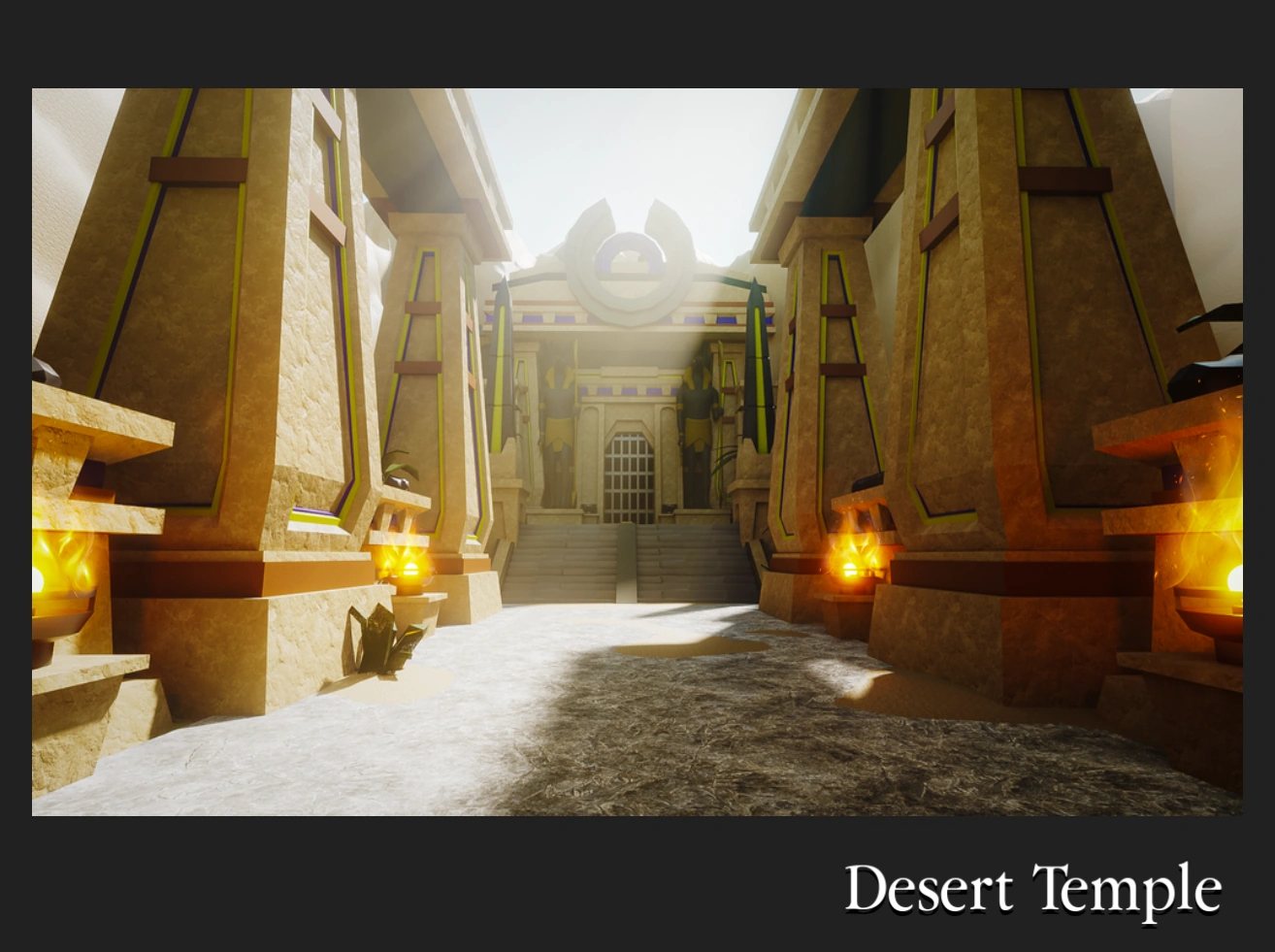
If the answer is “stay in Desert Temple,” believe it. Pride queues waste four other players’ timers. Read How to level fast if you want the number to move.
Skill planner
Pick Warrior or Mage, type your level, and look at the split. Most points go into the damage stat. A thin stamina cushion remains. That is the same advice as the Skill Points page, just faster.
The planner will not wear armor for you. A Mage split in warrior robes is still a bad build. Open the Armor tier list after you like the numbers.
How to use both in one session
- Claim daily rewards in the lobby.
- Run the checker. Create that map on a difficulty you can finish. Toggle Hardcore only if the last clear was clean.
- Run the planner if you just leveled. Spend the points before the next door.
- If the checker says Northern or Void, open those walkthroughs first: Northern Lands, Abyssal Void.
- If you are about to trade the chest, How to trade beats a guess.
What these tools are not
They are not loot simulators. They are not pot calculators for Lobby 2 — inspect in-game. They are not scripts. If a site offers a “tool” that needs an executor, it is an injector with a nicer name.
They also do not track Voldex hotfixes live. After a patch, skim the Updates Hub and the official links. If a level gate moves, we will move the checker.
Invite friends after you like the output. Online co-op still does more for a clear than a perfect number on this wiki. The Guides Hub is the rest of the plan. The Tier List Hub is what you should hope the chest contains.
Which client these numbers belong to
Both tools use official 17-door gates on place 2414851778. Northern Lands 180/185 and Abyssal Void 210/215 are Voldex doors. DQR tables that list Northern Lands at 350 do not belong in the checker — that writeup is DQR Northern Lands. Extra Item here is 1200 R$, not a DQR gold pass. If you launched 77649408247578, close these planners and read DQR classes instead.
Wave Defense still stops after early official maps; it is not a checker row you can skip toward Void. Gregg (75 seconds, no EXP) is a drop-in, not a level band. The PC Tools dropdown stays short — extra planners would live on this hub via View all, not as a ninth header item.
If you opened Tools because you were stuck, you are probably on the wrong official map or the wrong stat. That is fixable. A missing code box is not — the Codes Hub is empty on purpose.
Frequently Asked Questions
Quick answers to the most common questions.
Do I need to install anything?
No. Both tools run on this page. They never ask for a Roblox executor.
Are the level gates official?
They match widely documented thresholds such as Northern Lands 180/185 and Abyssal Void 210/215. Treat mid-map bands as guidance.
Can the planner respec my character?
No. It only recommends a split. You spend the points in-game.
Why is the checker telling me to stay early?
Your level is below the next honest gate. Push Nightmare on the current map instead of skipping ahead.