Quest Reborn Dungeon Level Checker
Type a level. Get a door. Stop wasting a party’s timer.
This checker is a fast gate, not a walkthrough. Enter the level on your Dungeon Quest character and read the map plus difficulty it returns. Then open the matching guide if the name scares you. Use it with the skill planner so the account that walks through that door can actually press Q.
Dungeon Quest is a released Roblox crawler with online parties. The tool will not solo the map for you.
How to read the result
The recommendation is the highest honest band we can defend, not the most impressive name. If you are level 40, you do not belong in Abyssal Void. If you are 185 with a real kit, you do belong in Northern Lands Nightmare.
Documented anchors:
- Enchanted Forest — 170 Insane, 175 Nightmare, eleven-minute timer, hundreds of millions of health. Walkthrough: Enchanted Forest.
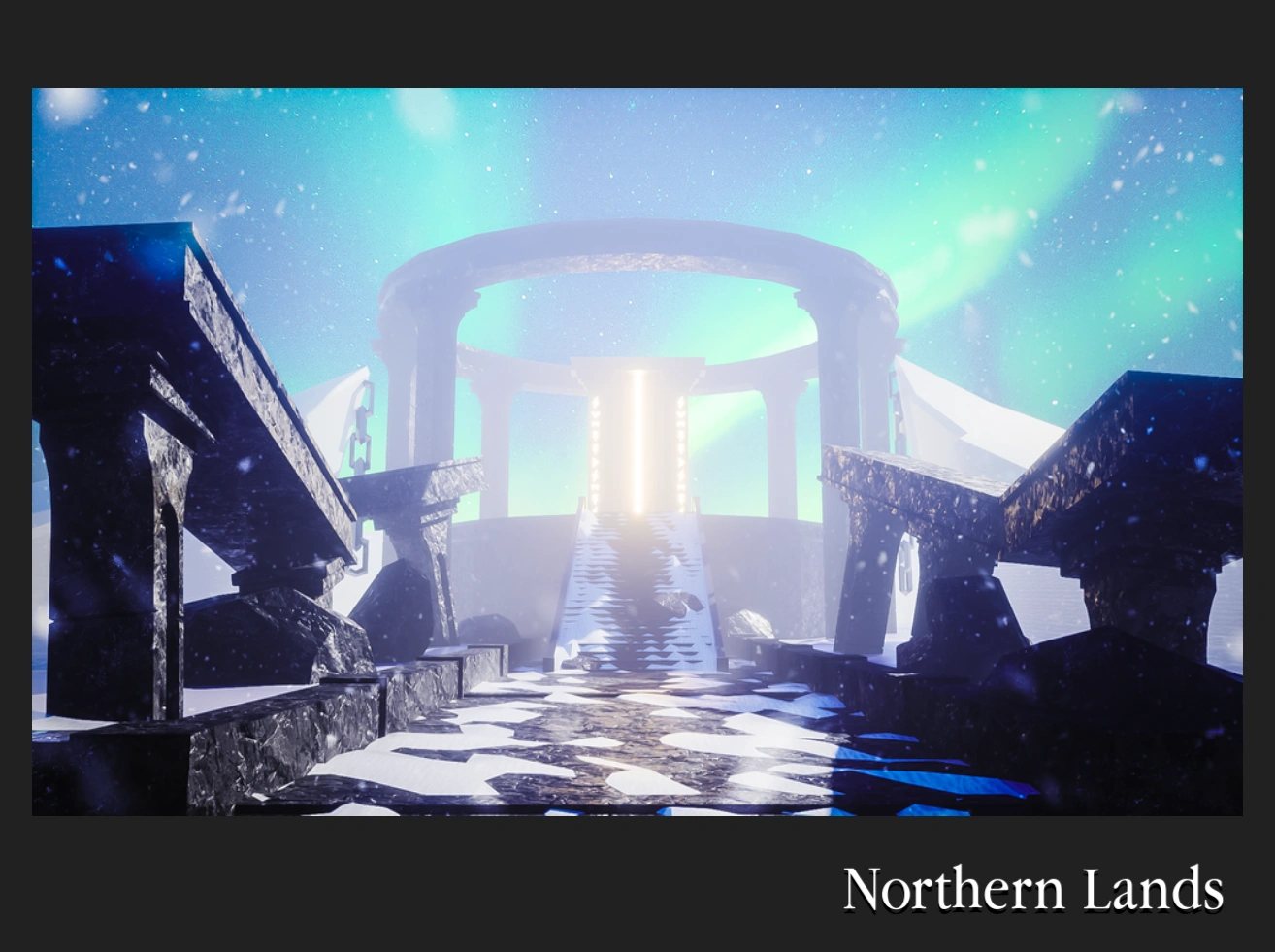
- Northern Lands — 180 Insane, 185 Nightmare, eleven-minute timer, hundreds of millions of health.
- Abyssal Void — 210 Insane, 215 Nightmare, fifteen-minute timer, billions of health.
Earlier bands group Desert Temple, Winter Outpost, Pirate Island, and the mid maps so you are not staring at a 17-row spreadsheet. Dedicated walkthroughs now exist for Winter Outpost, Pirate Island, King’s Castle, The Underworld, Samurai Palace, The Canals, Ghastly Harbor, Steampunk Sewers, Orbital Outpost, Volcanic Chambers, and Aquatic Temple. For the full name list, use the Dungeon List. This checker is the one-field shortcut.
If the tool says stay early, run a higher difficulty on the current map before you change biomes. That is the whole point of How to level fast.
Difficulty:
Health note:
Stay in Desert Temple or Winter Outpost until you clear Nightmare comfortably.
After you get a name
- Create or join a lobby. Invite friends.
- Pick the difficulty the tool named if you can finish it. Otherwise drop one step.
- Toggle Hardcore only after a clean clear.
- Wear the matching build. A Warrior in mage robes will still wipe.
- If the chest is the reason you came, read How to get legendaries.
The checker does not know your pot, your ping, or whether your healer understands anti-heal. You still have to play.
What it will not do
It will not invent a code. The Codes Hub is empty. It will not price a trade — How to trade. It will not run inside Roblox. If another site asks you to execute a “level tool,” that is a script, not a planner.
Gates can move after a Voldex patch. Skim the Updates Hub and official links if a door rejected you and the number looked right.
Use Getting Started if you do not yet have a level worth typing. Use Controls if you keep dying in maps the checker says you should finish. The number is only half the fight.
When the result says Void, go read Adelys and The Voidborn before you queue. When it says Northern, go read Odin. When it says Desert, go play. That is the tool working.
Not a DQR 350 table
This checker is the official 17-door list on place 2414851778. It will never recommend Dungeon Quest Reborn Northern Lands at 350. That gate lives on DQR Northern Lands and only after you confirm the door in the DQR lobby. Extra Item here is 1200 R$ on the Voldex shop. Last official story door is still Abyssal Void (11 October 2024). The 15 August 2025 client touch was shop and lobby, not dungeon 18. Wave Defense still stops after early maps; Gregg is a 75-second drop-in with no EXP and no checker row.
The PC Tools dropdown already lists this page and the skill planner. Extra level toys would live on the Tools Hub via View all, not as a ninth header item.
Level bands in plain language
Early levels stay in Desert Temple and Winter Outpost until Nightmare feels boring, not scary. Mid levels rotate Pirate Island, King’s Castle, The Underworld, and Samurai Palace before you chase later names. Late mid covers The Canals through Enchanted Forest. Northern Lands is the 180/185 gate. Abyssal Void is the 210/215 gate. If a friend invites you past your band, decline unless they are carrying and you accept a wipe. The checker exists so you can say no with a number instead of a guess.
Frequently Asked Questions
Quick answers to the most common questions.
Is this an in-game addon?
No. It is a page on this wiki. Type your level here, then go create the lobby in Roblox.
Why did it recommend a map I already outgrew?
Then push a higher difficulty on that map or add a few levels. The tool prefers a finishable door over a famous name.
Does it account for my weapon pot?
No. It uses level bands. A low-pot account may still need to drop a difficulty.
Can I Hardcore whatever it names?
Only if you already finish that map on one life. The tool does not toggle Hardcore for you.